PDFreflow / Guides
How to reflow a PDF on Android, iPhone or iPad
A phone shows a PDF as a shrunken printed page, in Android's viewer as much as in Apple Books or Files, so a two-column paper means pinch, zoom, drag, repeat. Reflowed, the text fits your screen in one column and you just scroll. Here's how.
Four steps
- Get the app.
- Android: install PDFreflow from Google Play. It's free to try.
- iPhone and iPad: PDFreflow is in open beta on Apple's TestFlight. Install TestFlight from the App Store, then tap the App Store button below; it opens the beta.
- Open your PDF, whichever way is handiest:
- tap Import in the app,
- on Android, tap the PDF in Files or Downloads and pick PDFreflow under Open with, or share it to PDFreflow from mail, browser or chat,
- on iPhone and iPad, tap Share in Files, Mail or Safari and pick PDFreflow.
- Read. It opens already reflowed. Scroll down; no pinching and panning.
- Make it yours. Font, text size, margins, colors and dark mode live in Settings.
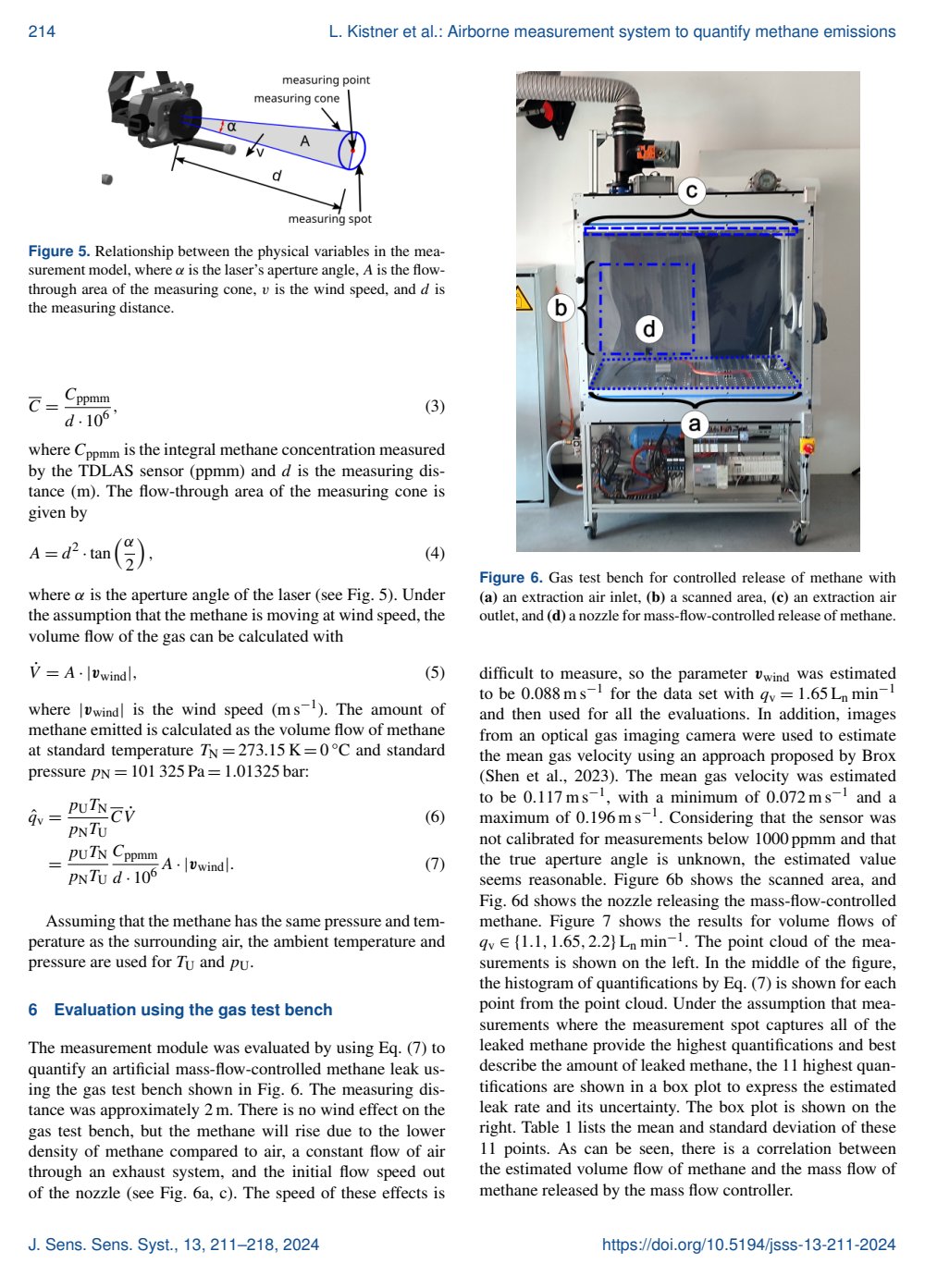
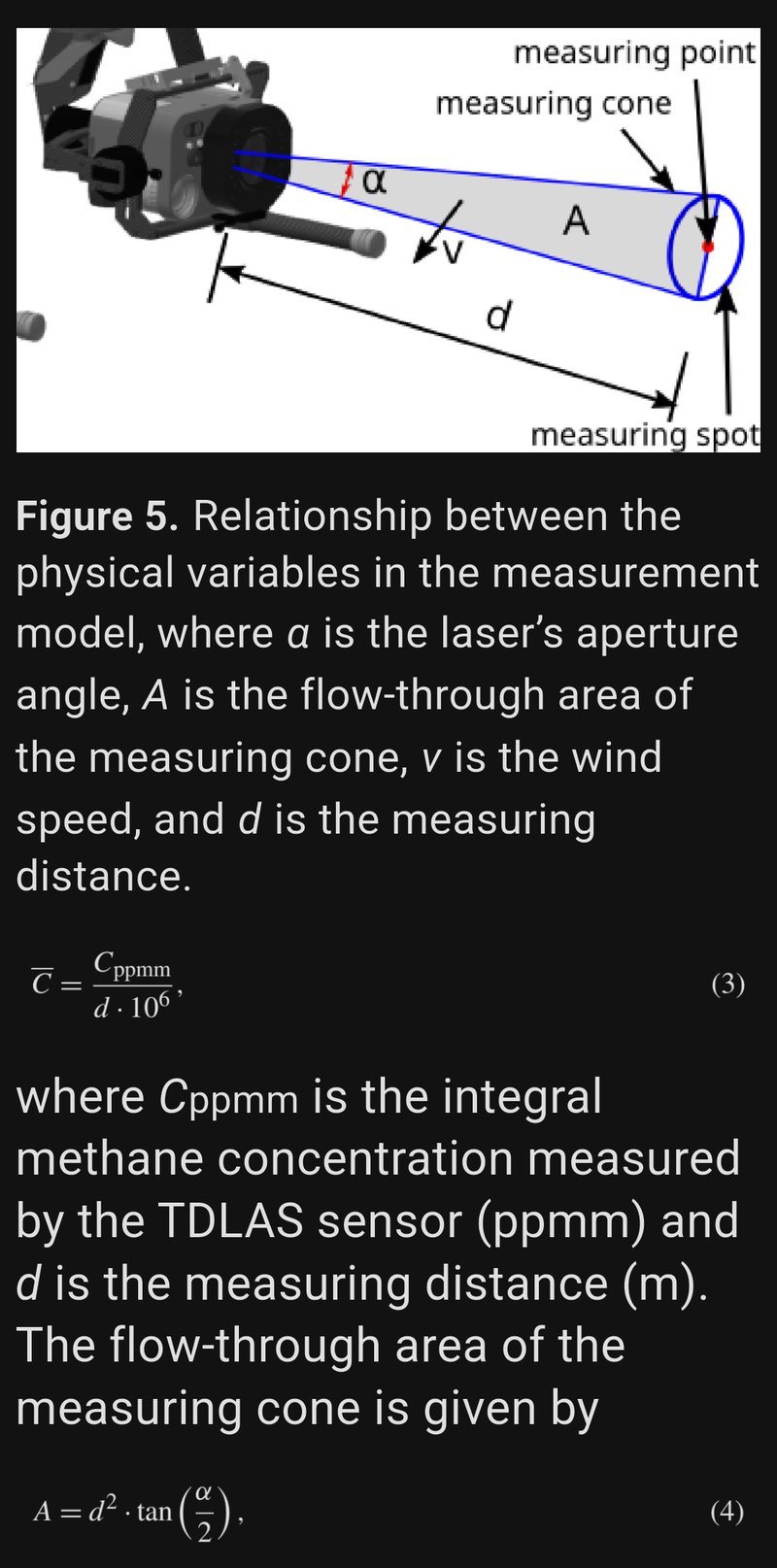
Page 4 of a sensor-systems paper. Left: the PDF as printed. Right: the same page in PDFreflow, shown in dark mode at 180% text size. Light mode, color palettes and fonts are yours to choose.
From “An airborne measurement system to detect, locate, and quantify methane emissions with attitude-based wind speed estimation”, Lars Kistner, Robert Schmoll and Andreas Kroll, Journal of Sensors and Sensor Systems 13, 211–218, 2024, © 2024 the authors, licensed under CC BY 4.0. Cropped and reflowed by PDFreflow.
What to expect
- Made for hard layouts: two-column papers, textbooks, manuals. Formulas and figures stay in the text as pictures, and citations stay tappable.
- Long books too: it prepares the pages where you're reading first, not the whole book.
- Not only PDF: EPUB, TXT and HTML work too.
- No scans: a scanned PDF is a photo of a page, with no text to reflow.
- Private: no account, and your files never leave your device.
It's not perfect on every layout yet. If a page reads wrong, long-press the text and send feedback from the app. I read every report.
What it costs
The first 30 pages of every document are free. During the open beta, one tap unlocks the rest of a book, also free.