PDFreflow / Guides
What is PDF reflow?
Reading a PDF on a phone goes like this: pinch, zoom, drag, repeat. Reflow ends that. The text wraps to fit your screen, like a web page, and you just scroll.
Why PDFs don't do it on their own
A PDF is a drawing of a printed page. It knows where every letter goes. It does not know which letters make a word, which words make a line, or what to read next.
Same sentence, twice. On the right is all the file has: letters with positions, listed in whatever order the program that made the PDF liked. To reflow it, a reader has to rebuild the words, lines and paragraphs itself.
Some PDFs make it easy
A tagged PDF carries a hidden map of its own content: this is a heading, this is a paragraph, read this next. Tagged PDFs reflow well. Sadly, most research papers have no tags, so the reader has to play detective.
And a scanned PDF is just a stack of photos. There is no text in it to reflow until it has been through text recognition (OCR).
The hard part: two columns
Read a two-column page straight across, line by line, and this happens:
are easy to
read on a
big screen.
two columns
turn tiny
and blurry.
Short papers On a phone, are easy to two columns read on a turn tiny big screen. and blurry.
Nonsense. A good reflow finds the columns first and reads them one after the other. The same care goes into the rest of a real page:
- Page headers and page numbers would land in the middle of a sentence.
- Figures, tables and formulas can't wrap like text.
- Footnotes belong next to the text, not inside a paragraph.
Where you find PDF reflow
- Adobe Acrobat Reader: a Reflow view on the computer, and Liquid Mode on the phone.
- Microsoft Word calls its PDF import "PDF Reflow". It turns a PDF into a Word document, which is for editing, not for reading.
- Some e-readers and reader apps, KOReader for example.
- PDFreflow, a reader app made for papers, textbooks and manuals on a phone.
How PDFreflow does it
It rebuilds the reading order on every page, drops the headers and footers, keeps formulas and figures as pictures in the text, and keeps citations tappable. All of it happens on your phone; your file never leaves it.
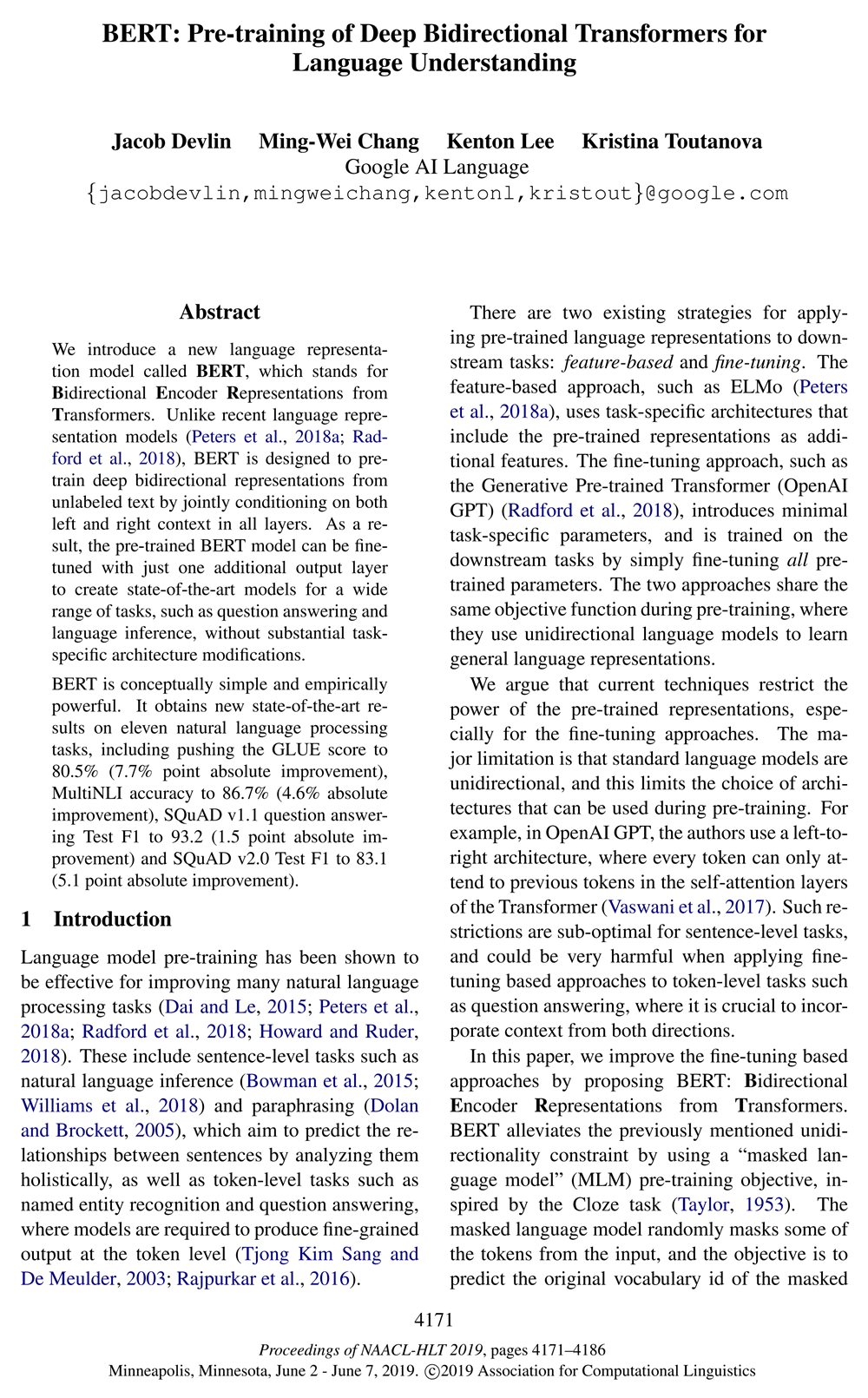


Page 1 of the BERT paper (Devlin et al., 2019). Left: the PDF as printed. Right: the same page in PDFreflow, in light and dark mode.
It's not perfect on every layout yet. If a page reads wrong, long-press the text and send feedback from the app. I read every report.
Try it
Free to try: the first 30 pages of every document are free, and during the open beta one tap unlocks the rest of a book.
Works with text-based PDFs. Scanned documents aren't supported.