PDFreflow / Guides
PDF reflow on an e-reader
An e-reader shows a PDF as a whole printed page, shrunk to a six-inch screen. The reflow function fixes that: the text wraps to the screen in a size you can read, like an e-book. Not every e-reader has one.
Which e-readers can do it
- Kindle: no reflow on the device. Amazon can convert a PDF into a Kindle book for you when you send it with Send to Kindle: put Convert in the subject line of the email.
- Kobo: Kobo's own reader shows a PDF as fixed pages to zoom and pan. KOReader, a free reader app many owners install on their Kobo, adds a reflow mode.
- PocketBook: has a reflow mode for PDFs in its reader's settings.
- Boox: the NeoReader app has Reflow in its navigation menu, next to the comic and article modes.
Menu names change between models and updates, so look in your reader's PDF or display settings if they don't match.
What it gets wrong
A PDF stores where each letter sits on the page, not what to read next. Reflow has to rebuild that, and the hard parts of a page are where it breaks:
- Two columns read straight across, so lines from both columns mix.
- Page headers and page numbers land in the middle of a sentence.
- Formulas, tables and figures come out scrambled, or go missing.
- Scans don't reflow at all: a scanned page is a photo, with no text in it until it has been through text recognition (OCR).
A novel saved as a PDF usually reflows fine. A research paper or a textbook usually doesn't.
On your phone instead
PDFreflow is a reader app made for exactly those hard pages, on a phone. It finds the columns, drops the page headers and footers, keeps formulas and figures as pictures in the text, and keeps citations tappable. All of it happens on your phone; your file never leaves it.
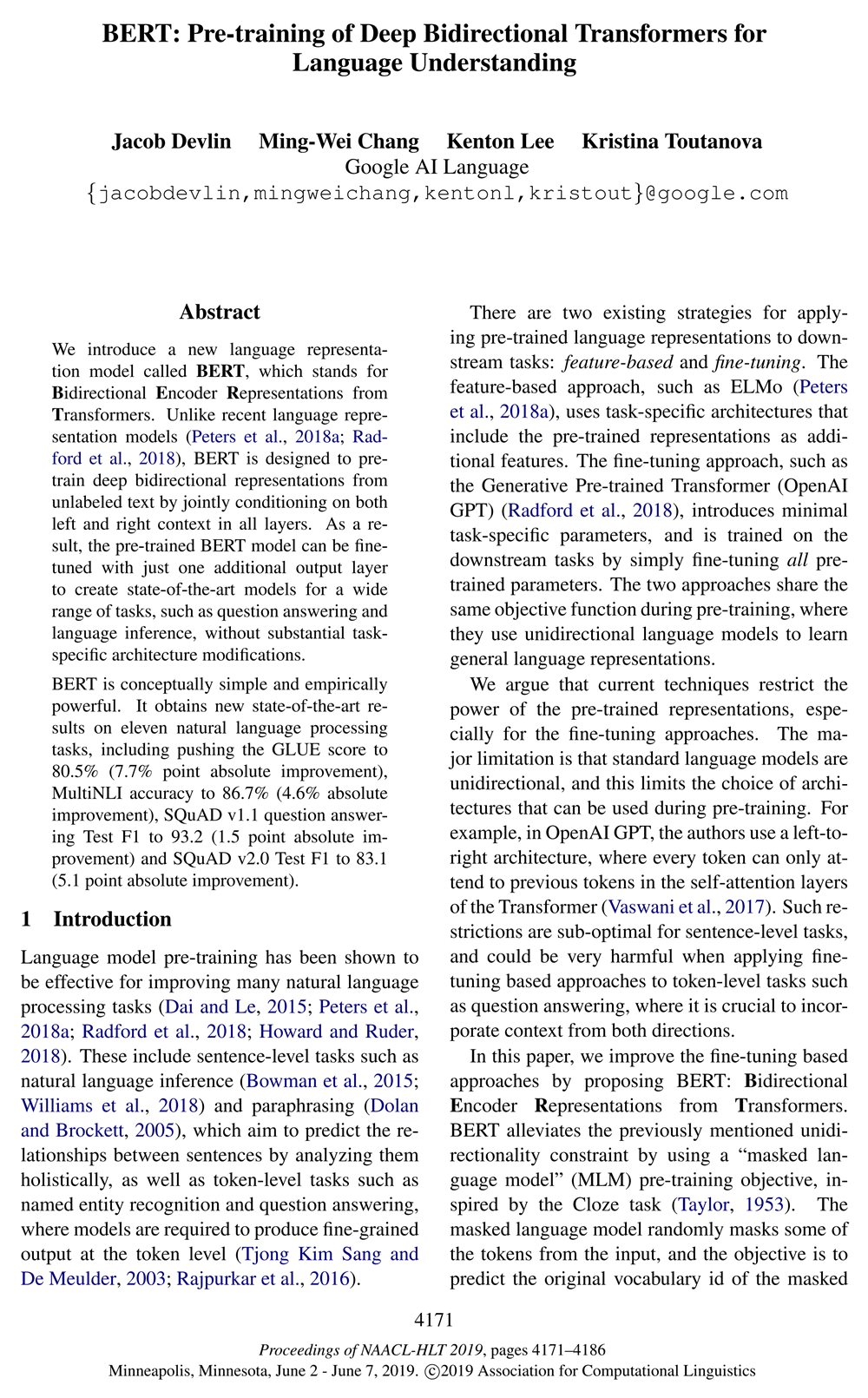

Page 1 of the BERT paper (Devlin et al., 2019). Left: the PDF as printed. Right: the same page in PDFreflow, shown in dark mode. Light mode, color palettes and fonts are yours to choose.
It's not perfect on every layout yet. If a page reads wrong, long-press the text and send feedback from the app. I read every report.
Try it
Free to try: the first 30 pages of every document are free, and during the open beta one tap unlocks the rest of a book.
Works with text-based PDFs. Scanned documents aren't supported.