PDFreflow / Guides
How to read research papers on your phone
A paper is laid out for a printed page: two narrow columns of small type. On a phone that means pinch, zoom, pan down one column, back up to the next. These are the ways around it.
First, look for an HTML version
Many papers also exist as a web page, and a web page fits any screen.
- arXiv: many recent papers have an HTML (experimental) link next to the PDF.
- Journals: the publisher's page often has the full text as HTML, if you have access.
If there is one, read that. Everything below is for when there's only the PDF.
Zoom and pan
Any PDF viewer can do it, and it's fine for checking a figure. For a whole paper it wears thin: every column break sends you back to the top of the page.
Turn the phone sideways
In landscape one column fills the width and the text gets readable. You see a few lines at a time, and you still pan between columns.
Convert it to EPUB
Calibre and online converters turn a PDF into an EPUB, which reflows. On papers they tend to break on exactly the hard parts: columns read straight across, formulas come out as garbled text, page headers land in the middle of a sentence.
Reflow the PDF itself
A reflowing reader rebuilds the reading order from the PDF and wraps the text to your screen. Adobe Acrobat Reader's Liquid Mode does this for some PDFs. PDFreflow is a reader app made for papers: it finds the columns, drops the headers and footers, keeps formulas and figures as pictures in the text, and keeps citations tappable. All of it happens on your phone; your file never leaves it.
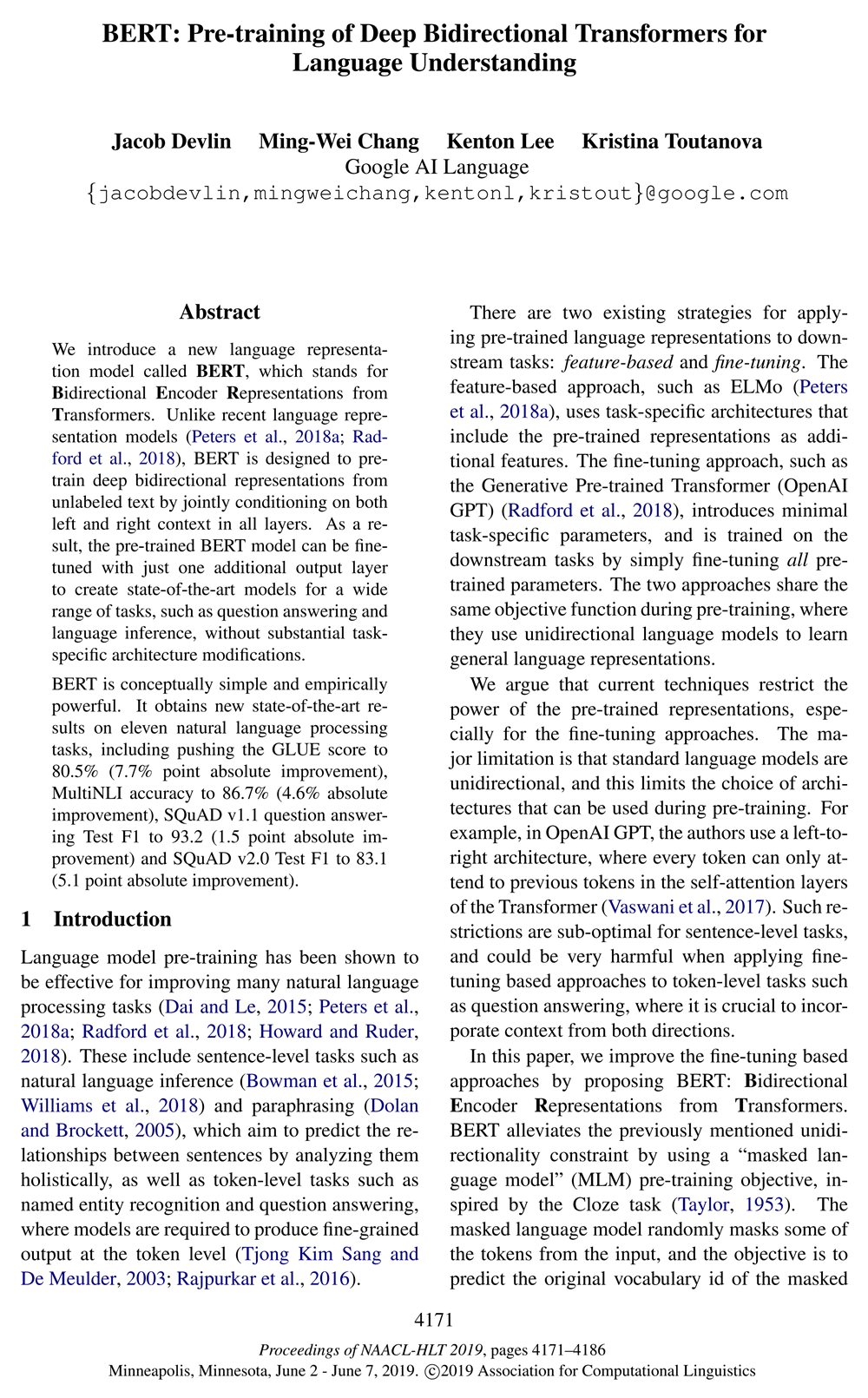

Page 1 of the BERT paper (Devlin et al., 2019). Left: the PDF as printed. Right: the same page in PDFreflow, shown in dark mode. Light mode, color palettes and fonts are yours to choose.
It's not perfect on every layout yet. If a page reads wrong, long-press the text and send feedback from the app. I read every report.
Try it
Free to try: the first 30 pages of every document are free, and during the open beta one tap unlocks the rest of a book.
Works with text-based PDFs. Scanned documents aren't supported.